First choose the required image size, then compare format and quality. Reducing file size is only useful as long as the result remains legible in actual display. Pay especially close attention to small letters, thin lines, and the edge of light text on a dark background.

Reproducible test case
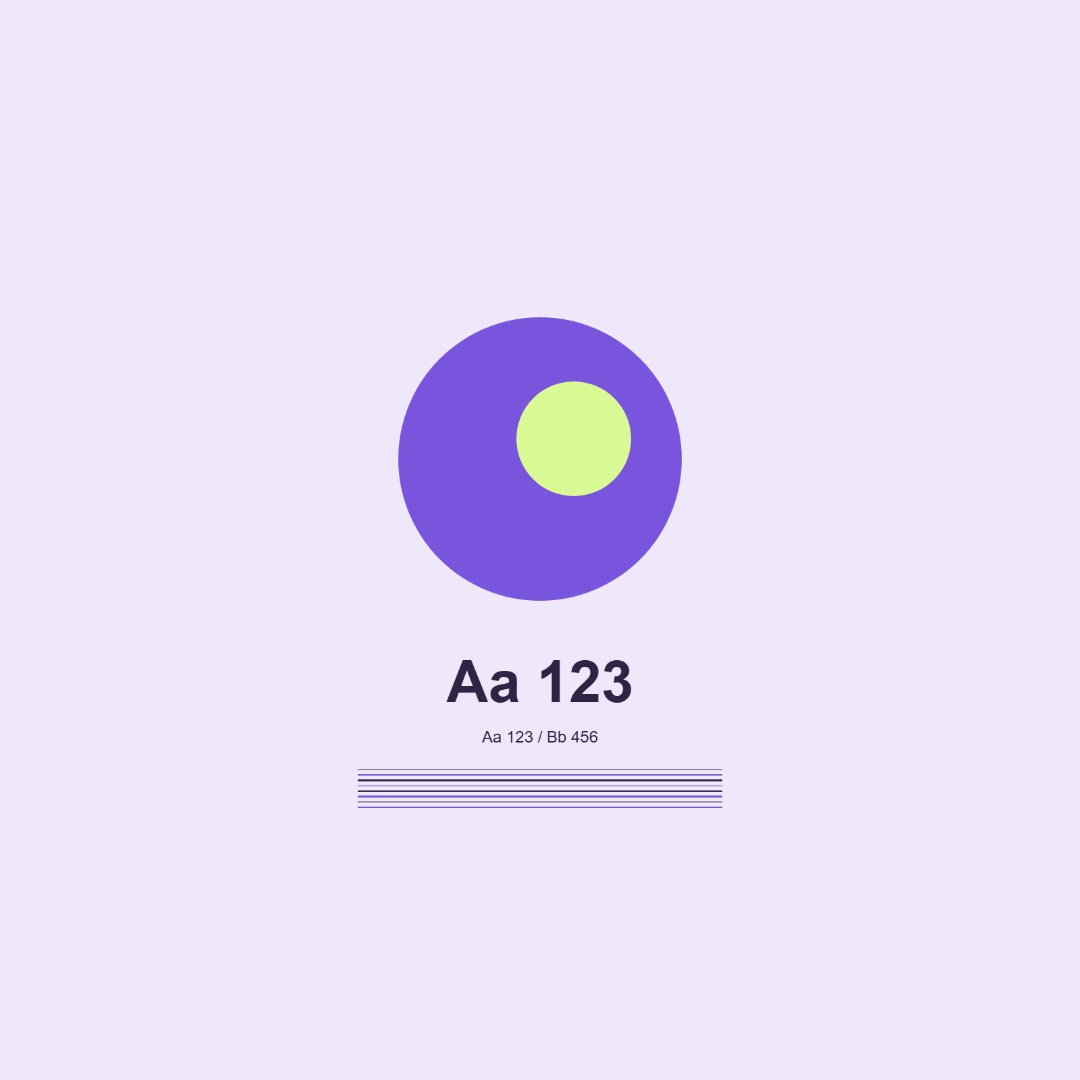
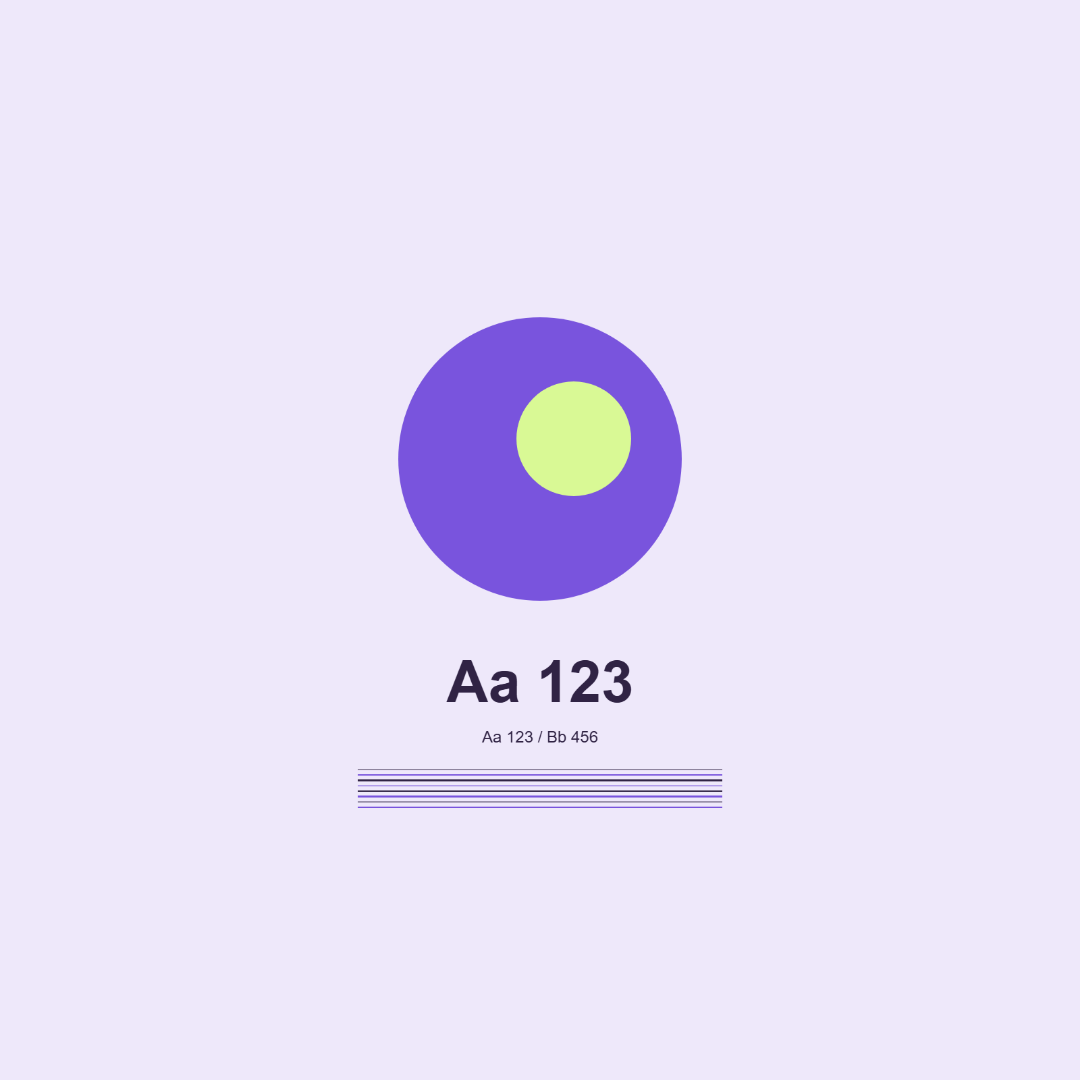
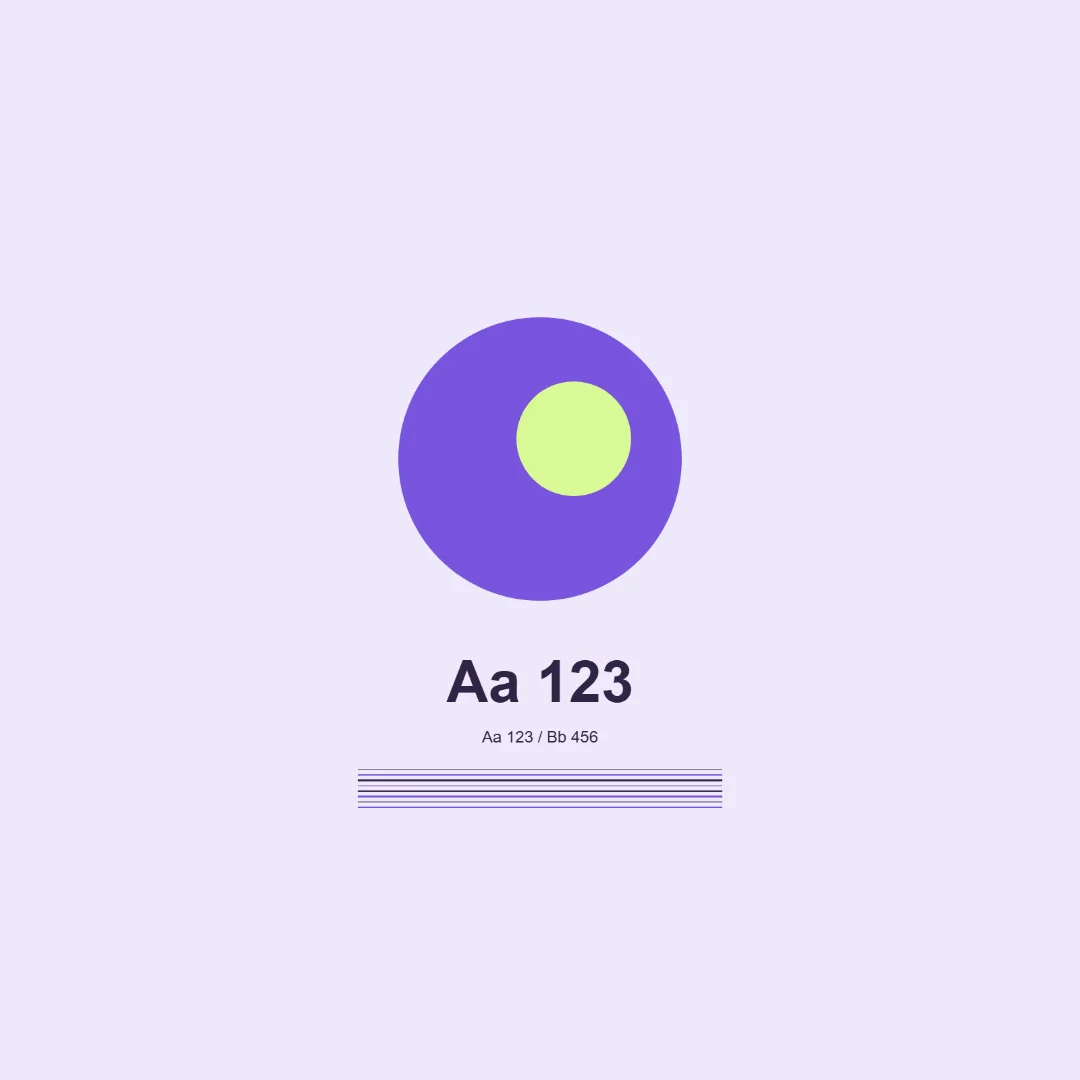
For testing, we prepared our own card with the short characters Aa 123, thin lines, and geometric shapes. It contains no client data. The source file can be uploaded to the resizer and you can repeat the export at 1080×1080 with full display.
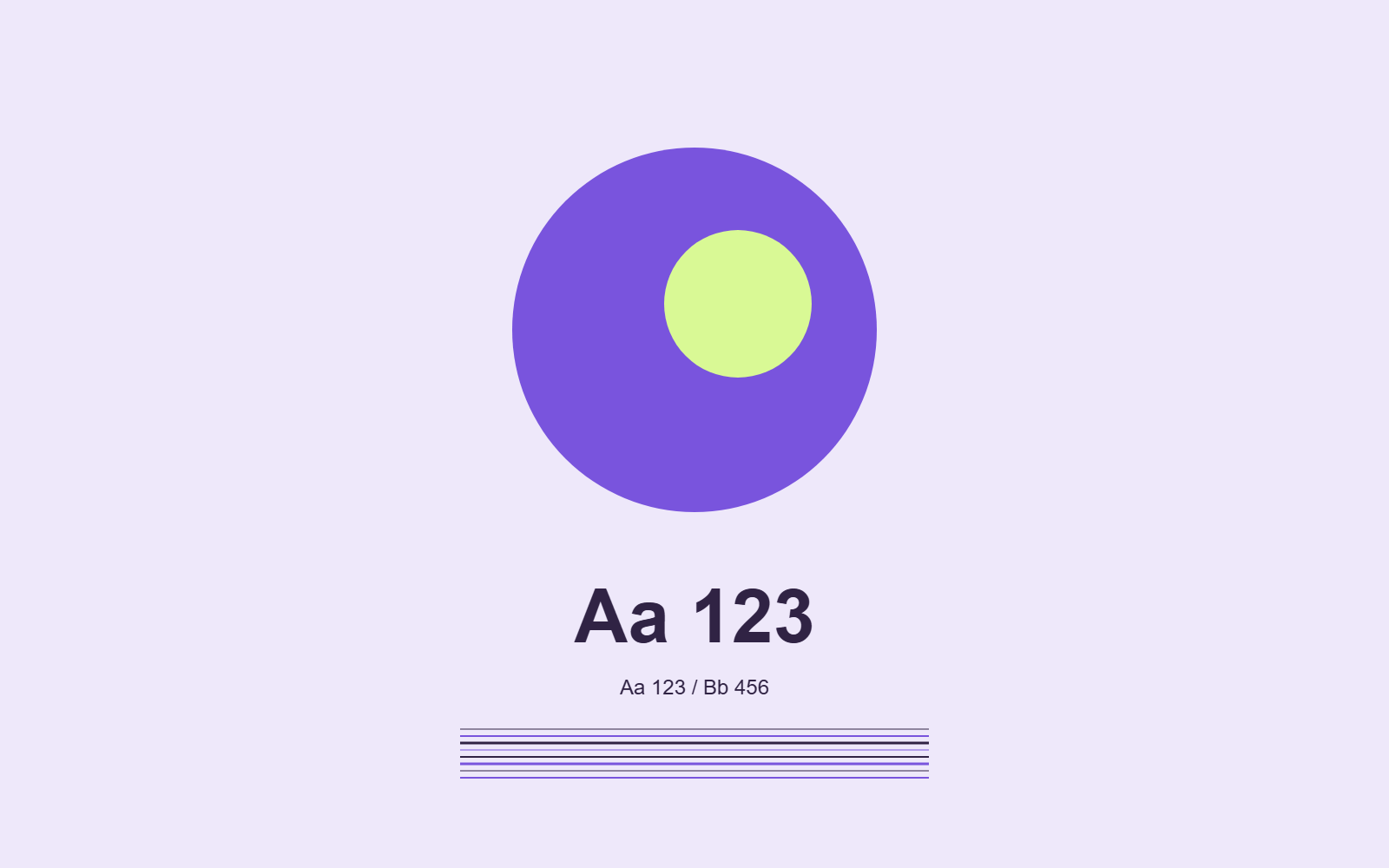
Test files from the browser: JPEG at quality 85%, PNG, WebP at quality 85%. Measured sizes: quality-85.jpg: 21 183 bytes; quality.png: 51 172 bytes; quality-85.webp: 9 020 bytes (1080×1080, Chromium 153.0.4234.48). These are the results for this specific source file and browser export, not a promise of the same savings for a photograph or another program.
How to compare
Open the images side by side at 100% scale. Check whether halos have appeared around letters, thin lines have merged, or noticeable blocks have appeared in the background. Then look at the file at the size of the future card: zooming in on the editor screen can hide a small-text problem.
PNG in this tool does not use a quality slider. For JPEG and WebP, lowering quality changes compression; the same number 85 does not mean the same quality or file size between formats. Depending on the content, a small image with flat colors and a photograph may behave differently.
Practical solution
If the file is large, first remove excess resolution. Then reduce quality in small steps, keeping separate versions. If the text loses sharpness, go back to higher quality or another format. The resizer shows the size of the downloaded file, but it does not assess legibility for you.
Check the destination format. For example, for a YouTube thumbnail choose the documented JPEG or PNG. A compact WebP does not become a universal upload file just because it looks good in the browser.
If a separate public announcement in Telegram has been prepared for this work, you can check the current view terms. Image processing is free; this form does not order design. Purchased activity does not confirm organic interest, recommendations, leads, or sales.